User Informations
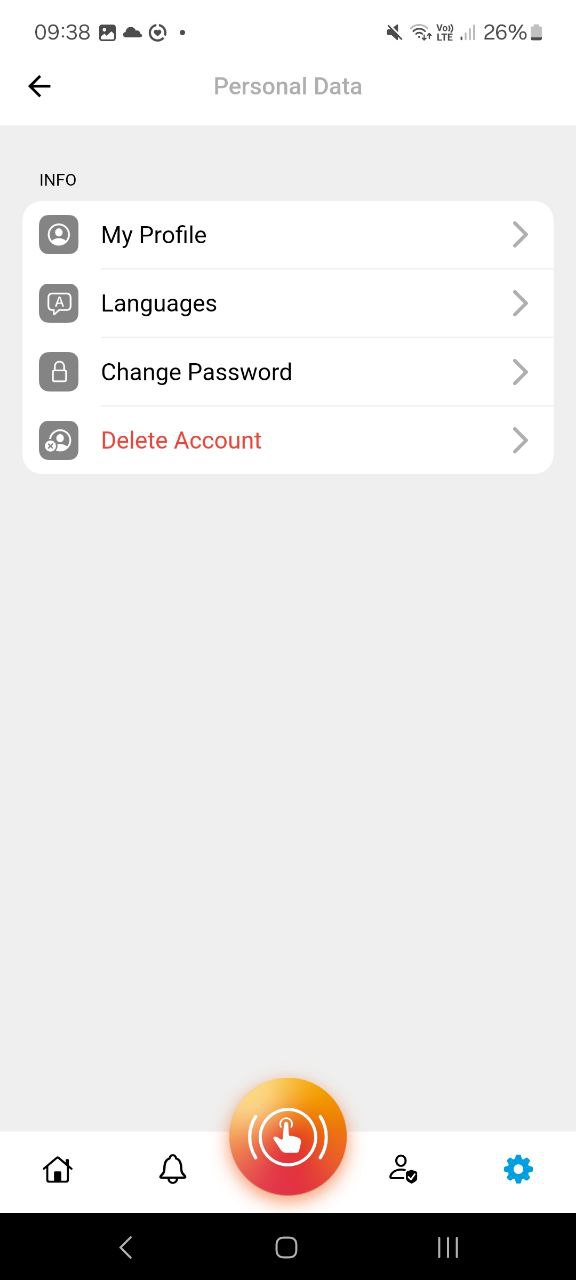
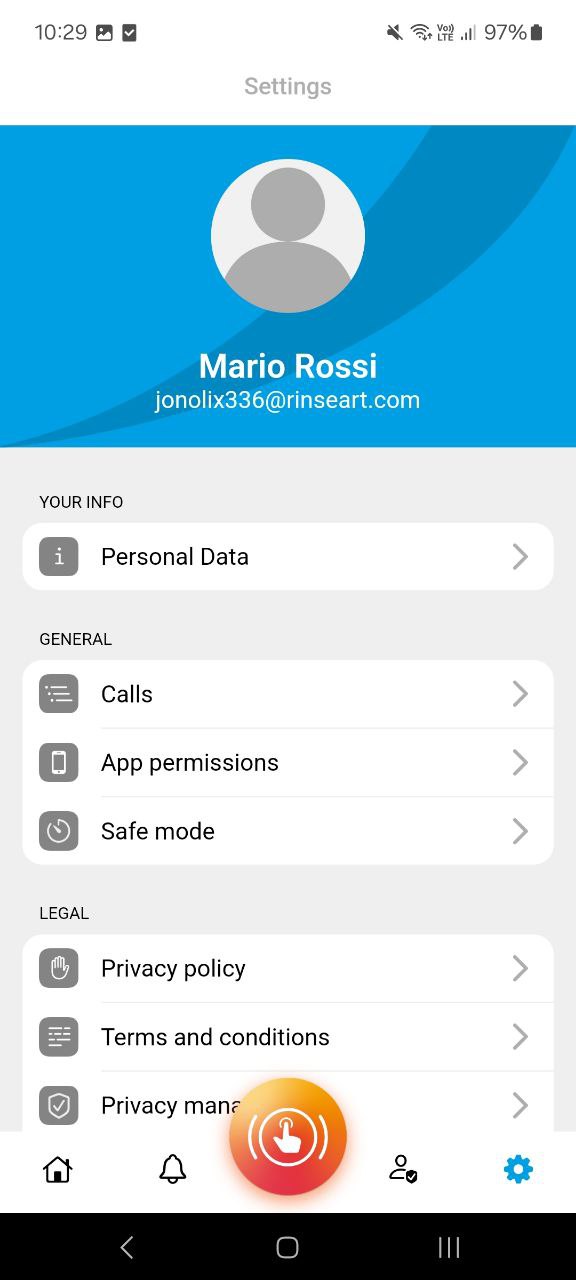
There are four sub-items in the “Personal Data” item, which are:
- My Profile
- Languages
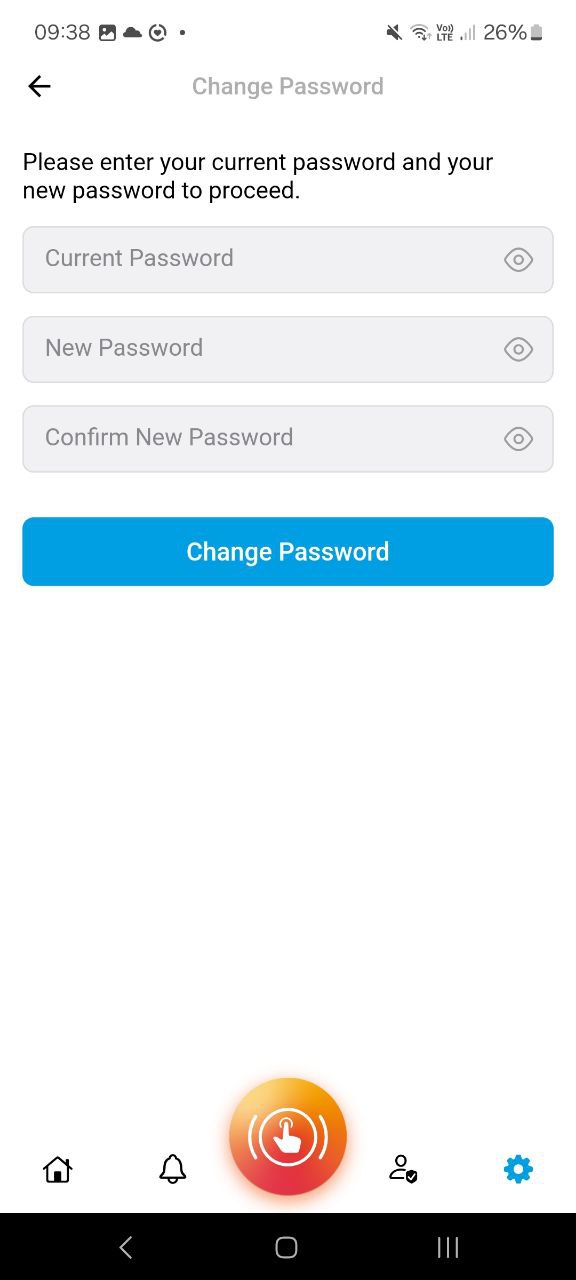
- Change Password
- Delete Account
My Profile
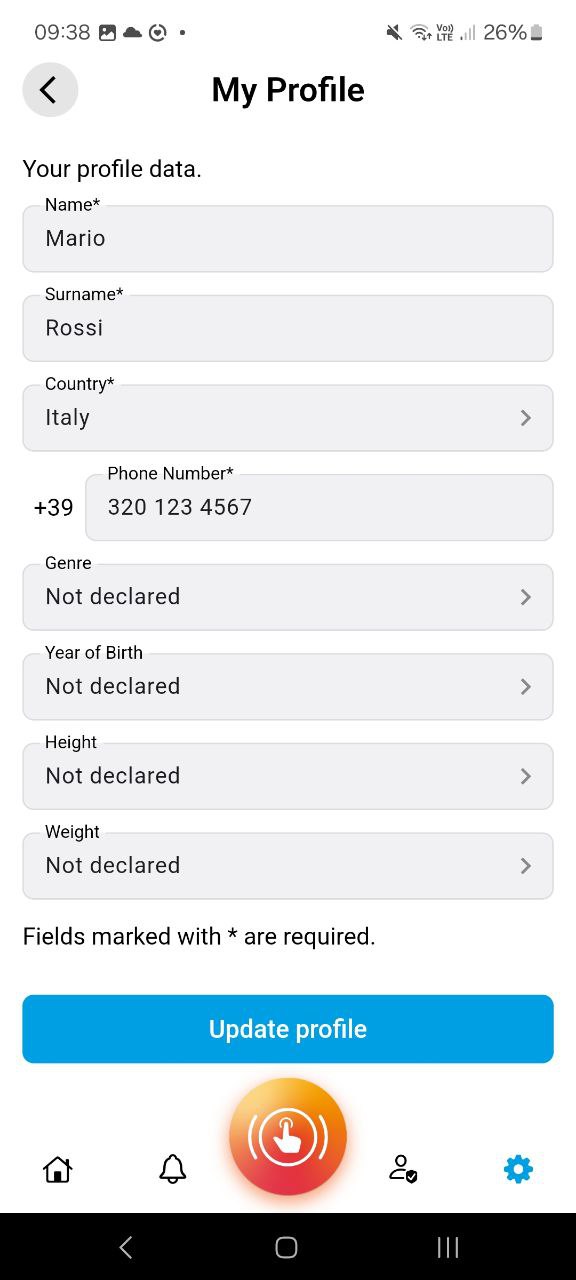
This section allows the user to view and/or modify their data, such as:
- Name
- Last Name
- Country
- Phone Number
- Gender
- Year of Birth
- Height
- Weight
The fields Gender, Year of Birth, Height and Weight are optional.
Languages
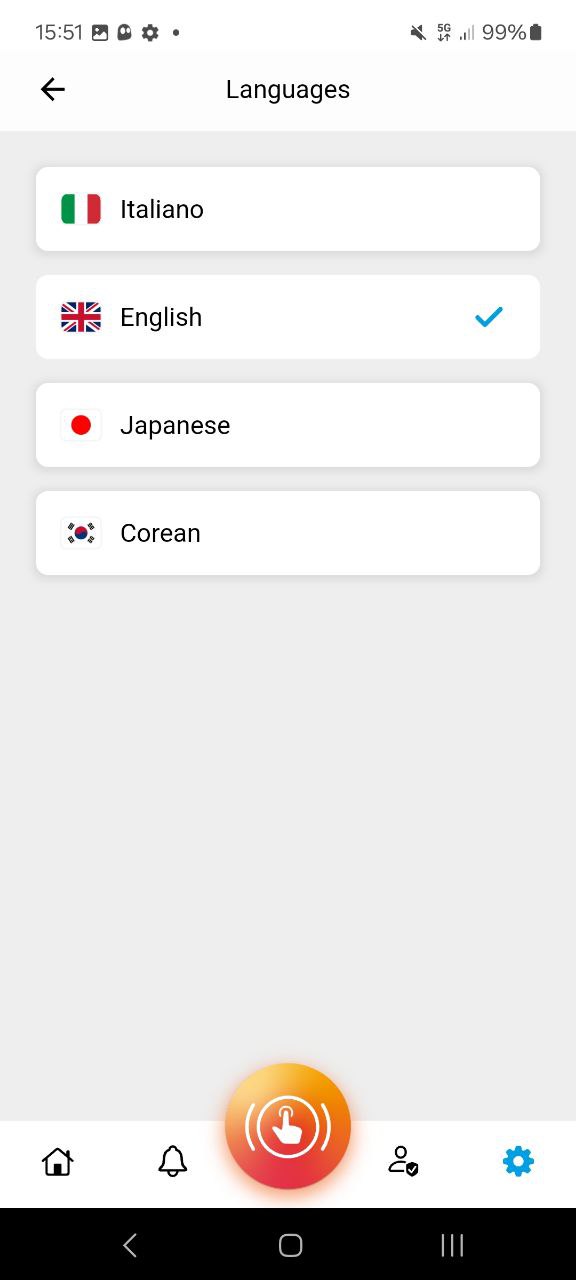
This section allows the user to view the languages currently supported by the app and select the one to use.
Password Change
This section allows the user to change their account password. By first entering the current password and then a new password and the confirmation, the password change process will be started, sending the user an e-mail with instructions on how to proceed.
Account Deletion
The red “Delete Account” button allows the complete deletion of the user’s data and the related account. Please note that this action is irreversible.